SignalScope X
Version 13 | iOS 18+, macOS 15+
The culmination of 25+ years of development experience on Apple platforms. Cross-platform, real-time analysis, test, and measurement on Mac, iPhone, and iPad.

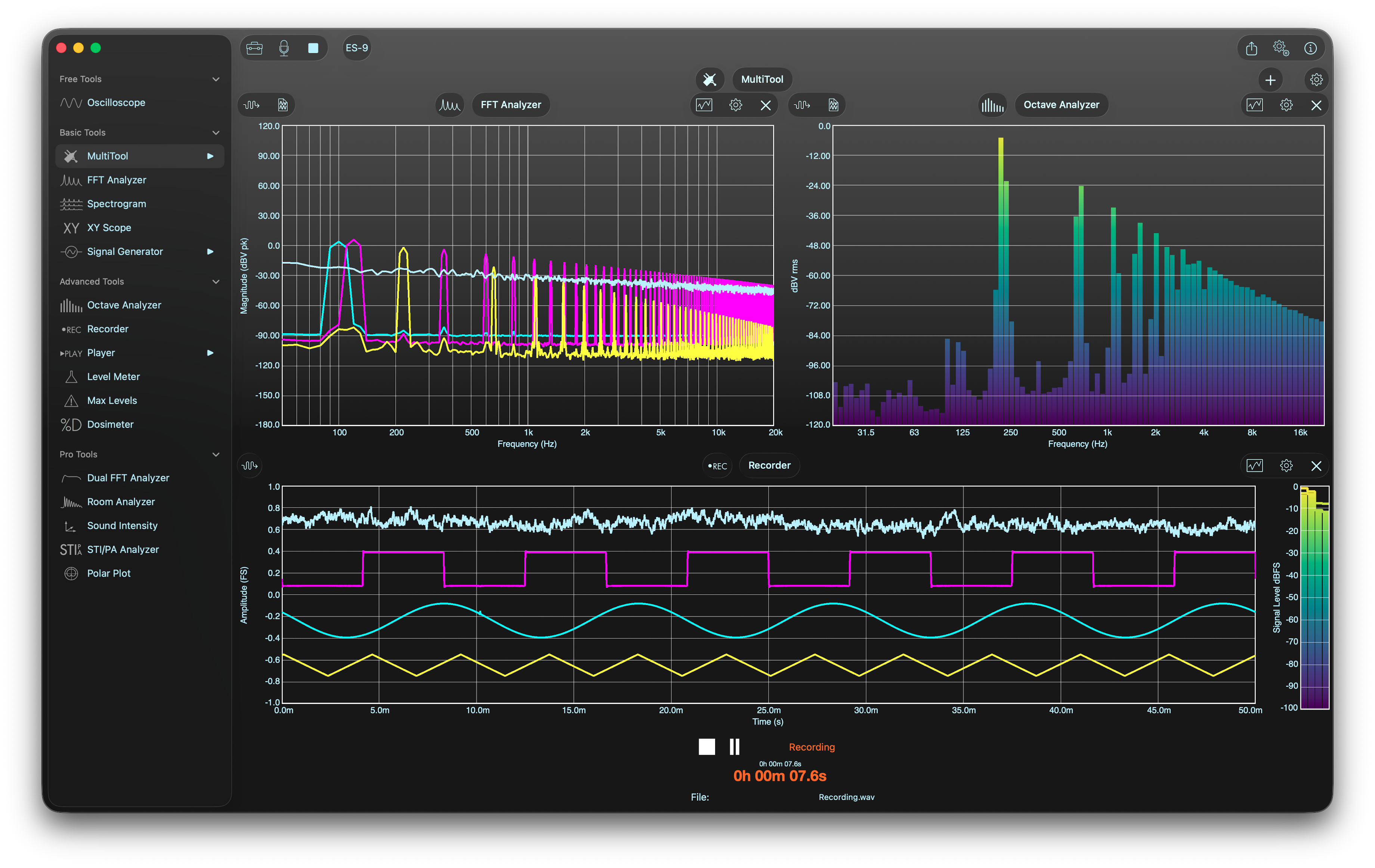
SignalScope X offers a range of powerful measurement and analysis tools to enhance your productivity in areas such as acoustics (sound and vibration), audio, electronics, and electroacoustics.
Standard Features
Included with all licenses
Pro Features
Additional features with Pro Tool Set license
Analysis Tools
Comprehensive signal analysis and measurement tools
BasicBasic Tools
AdvancedAdvanced Tools
Octave Analyzer
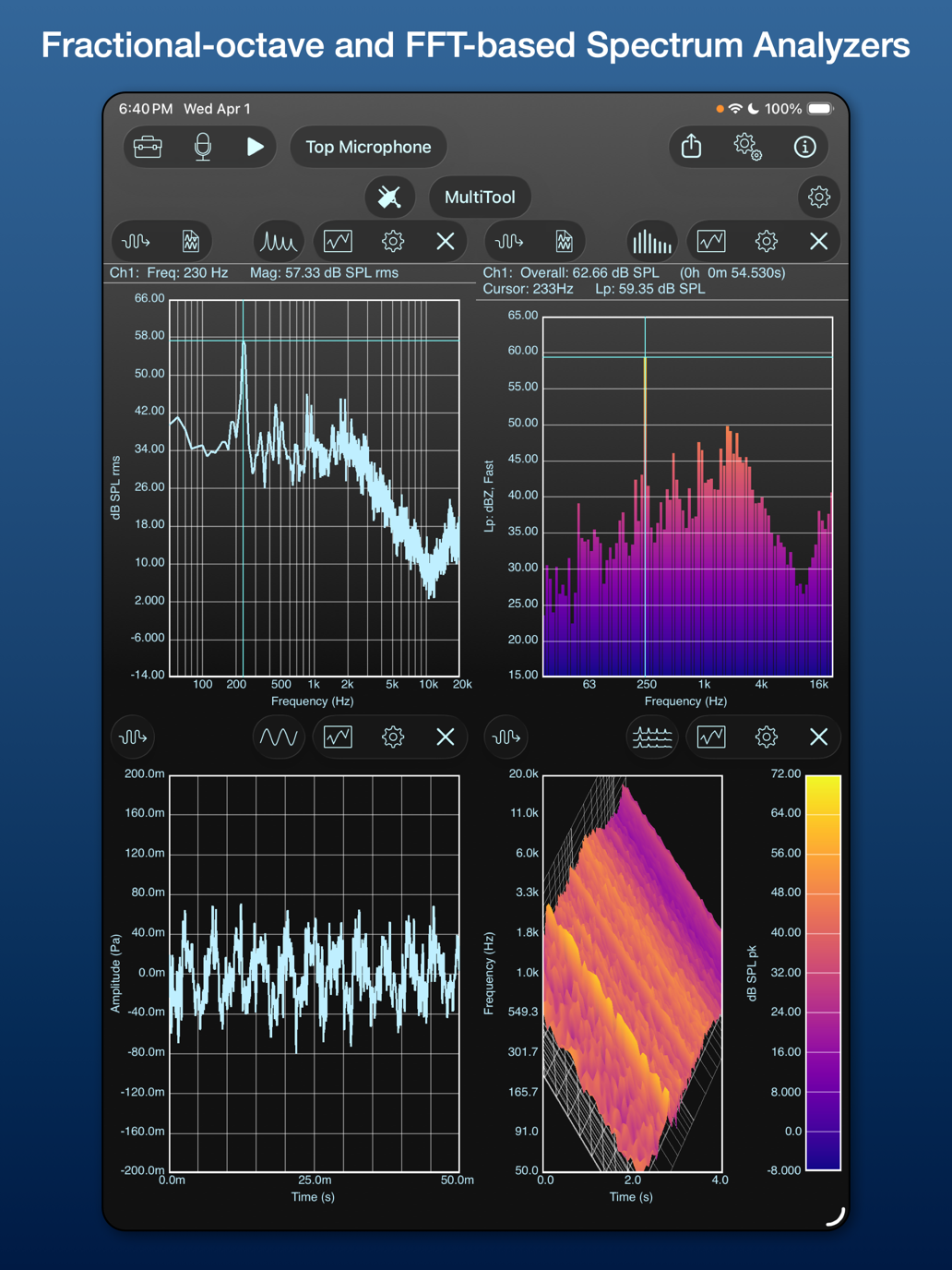
AdvancedWhole and 1/3 octave band analysis
Spectrogram (2D/3D)
AdvancedEnhanced spectrogram with 3D view
Level Meter
AdvancedSound pressure level measurement
Max Levels
AdvancedMaximum level threshold monitoring
Noise Dosimeter
AdvancedNoise exposure measurement
Data Recorder
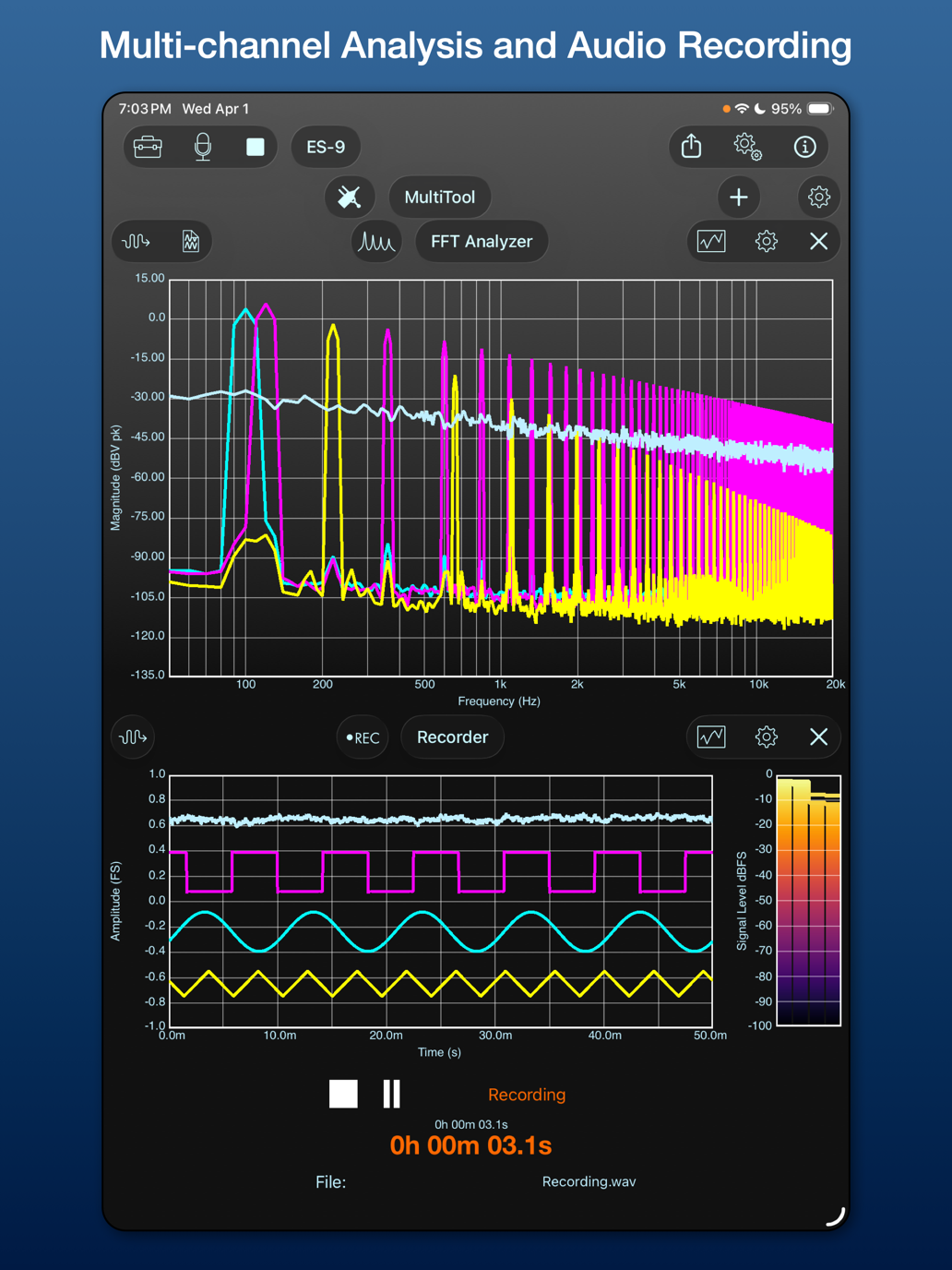
AdvancedMulti-channel audio recording
File Player
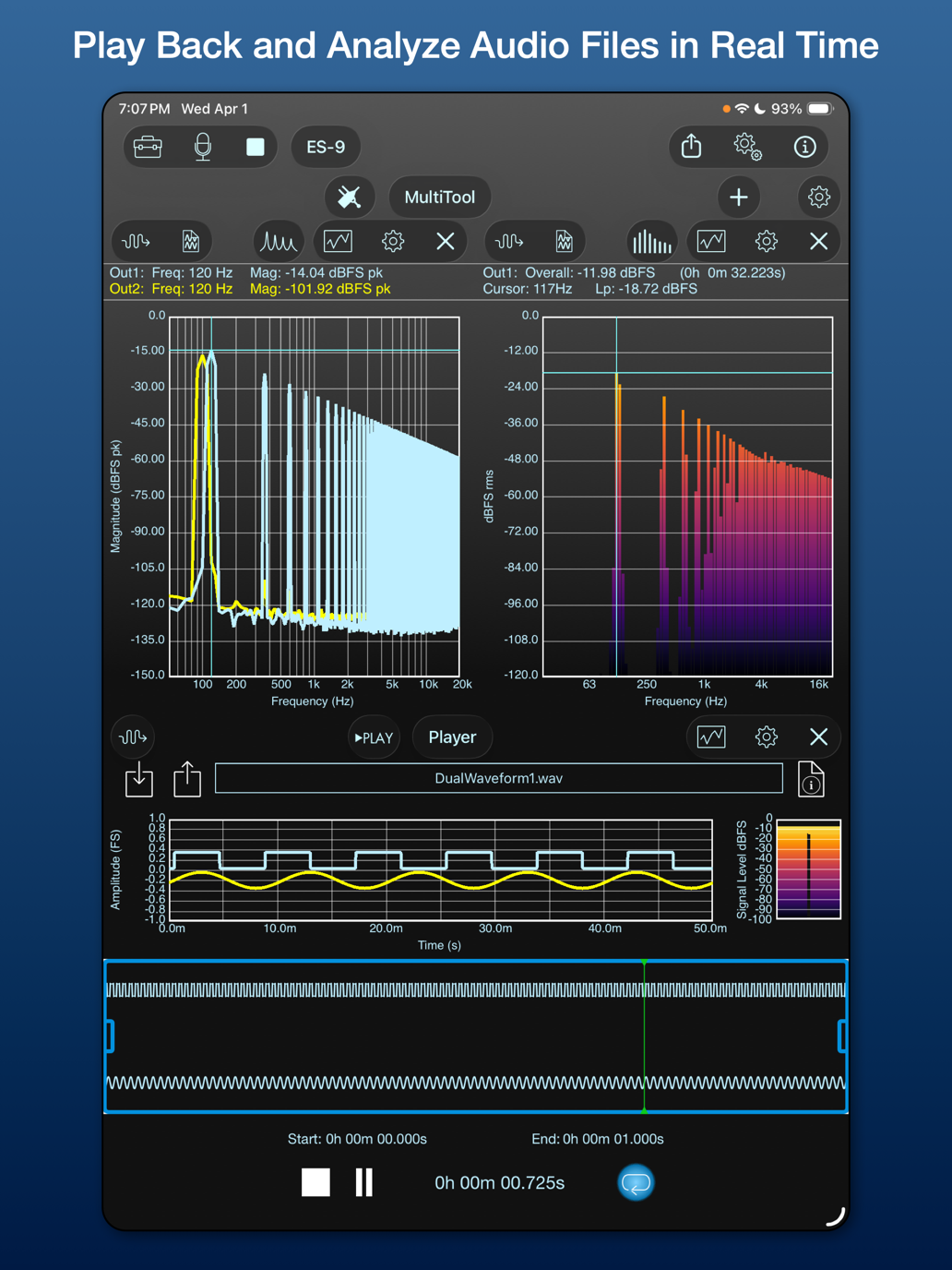
AdvancedAudio file playback and analysis

Pricing
Subscriptions
Subscriptions may be purchased in SignalScope X via in-app purchase. One 14-day free trial is available. We recommend selecting the Pro Tool Set for your free trial to access everything SignalScope X has to offer.
or $49.99/year ($4.17/mo)
or $149.99/year ($12.50/mo)
or $399.99/year ($33.33/mo)
Perpetual Licenses
Perpetual licenses may be purchased in our shop, or in SignalScope X via in-app purchase. Discounts may be available for customers who have registered their purchase of select Faber apps with a Faber account.
Specifications
Hardware Support
- Supported Hardware: Any Core Audio compatible device, includes USB Audio Class compliant devices connected to Mac, iPad, or iPhone via a suitable USB adapter
- Audio Play-through: Enable/Disable (requires the same device to be selected for input and output on Mac)
- Restore Hardware Sample Rate: Enable/Disable
- Restore Hardware Output Gain: Enable/Disable
- Maximum Supported Input Channels: 32
- Maximum Supported Sample Rate: 768 kHz
- Supported Units: Digital Full Scale (FS), Volts (V), and pascals (Pa, only when a known microphone device is selected—units are then synchronized with the first input channel)
- Built-in Accelerometer: iPad, iPhone only
- Maximum Supported Output Channels: 32
- Maximum Supported Sample Rate: 768 kHz
- Maximum Sample Resolution: 32 bits, data processed internally with single (32-bit) or double (64-bit) precision
- Supported Units per Channel: Digital Full Scale (FS), pascals (Pa), Volts (V), Amperes (A), Gravity (g, m/s^2), Force (lbf, N)
- Additional Units for Vibration: Velocity (ips, mm/s), Displacement (mils, mm), applied in tools that support integration of acceleration to velocity or velocity to displacement
- Sensitivity Calibration: Manual entry, automatic calculation from reference input level
- Frequency Response Data (FRD) Source: URL, File
- FRD File Format: FRD (.frd, .txt, or .csv), or CSV/MAT/TXT files generated by FFT or Dual FFT Analyzer tools in SignalScope
- Apply DC Blocking Filter: Enable/Disable
- DC Correction: User-defined DC correction value
- The blocking filter and correction options are mutually exclusive.
- Maximum Sample Resolution: 32 bits, data processed internally with single (32-bit) or double (64-bit) precision
- Supported Units per Channel: Digital Full Scale (FS), pascals (Pa), Volts (V), Amperes (A), Gravity (g, m/s^2), Force (lbf, N)
- Sensitivity Calibration: Manual entry, automatic calculation from reference input level
Options
- Prevent Screen Auto-lock: Enable/Disable
- Run In Background: Enable/Disable
- Voltage dB Reference (Pro Feature): dBV, dBu
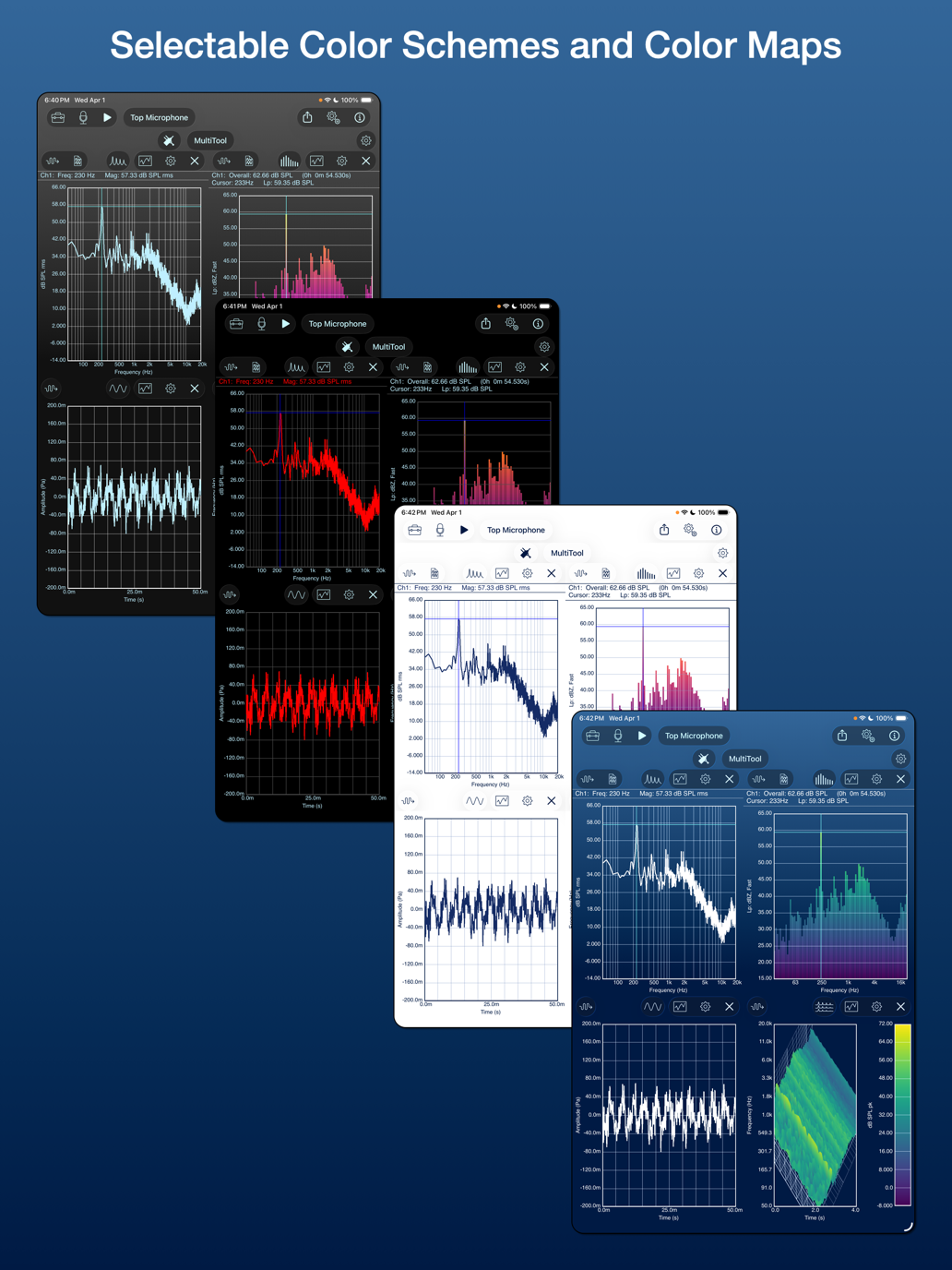
- Color Schemes (background color): Black, Blue, White, Gray
- Plot Line Thickness: 1.0, 2.0, 3.0
- Color Map (for bar or surface graphs): Classic, Inferno, Magma, Plasma, Viridis, White on Black, Black on White, Green on White, Green on Blue
- Run Server: Enable/Disable (disabled by default)
- Preferred Server Port: User defined
- Built-in browser for files saved within the app's sandbox documents directory
- Supported operations (context-dependent): Delete, Load, Preview, Export, Show in Finder (Mac only)
Enhanced Hardware Support
Automatic calibration and configuration for select hardware devices
Digiducer
- Serial Number
- Calibrated Accelerometer Sensitivity
- Calibration Date
- Automatic Sensitivity Adjustment
The Modal Shop
- Serial Number
- Calibrated Voltage Sensitivity
- Calibration Date
- Automatic Sensitivity Adjustment
Dayton Audio
- User Prompted for Serial Number
- Acoustic Sensitivity Download
- Frequency Response Data Download
miniDSP
- User Prompted for Serial Number
- Acoustic Sensitivity Download
- Frequency Response Data Download
miniDSP
- User Prompted for Serial Number
- Acoustic Sensitivity Download
- Frequency Response Data Download
- HEQ: headphone compensation for flat EQ target
- HPN: original headphone compensation
- IDF: IEM diffuse field compensation
- RAW: no headphone compensation (mic cal only)
Screenshots
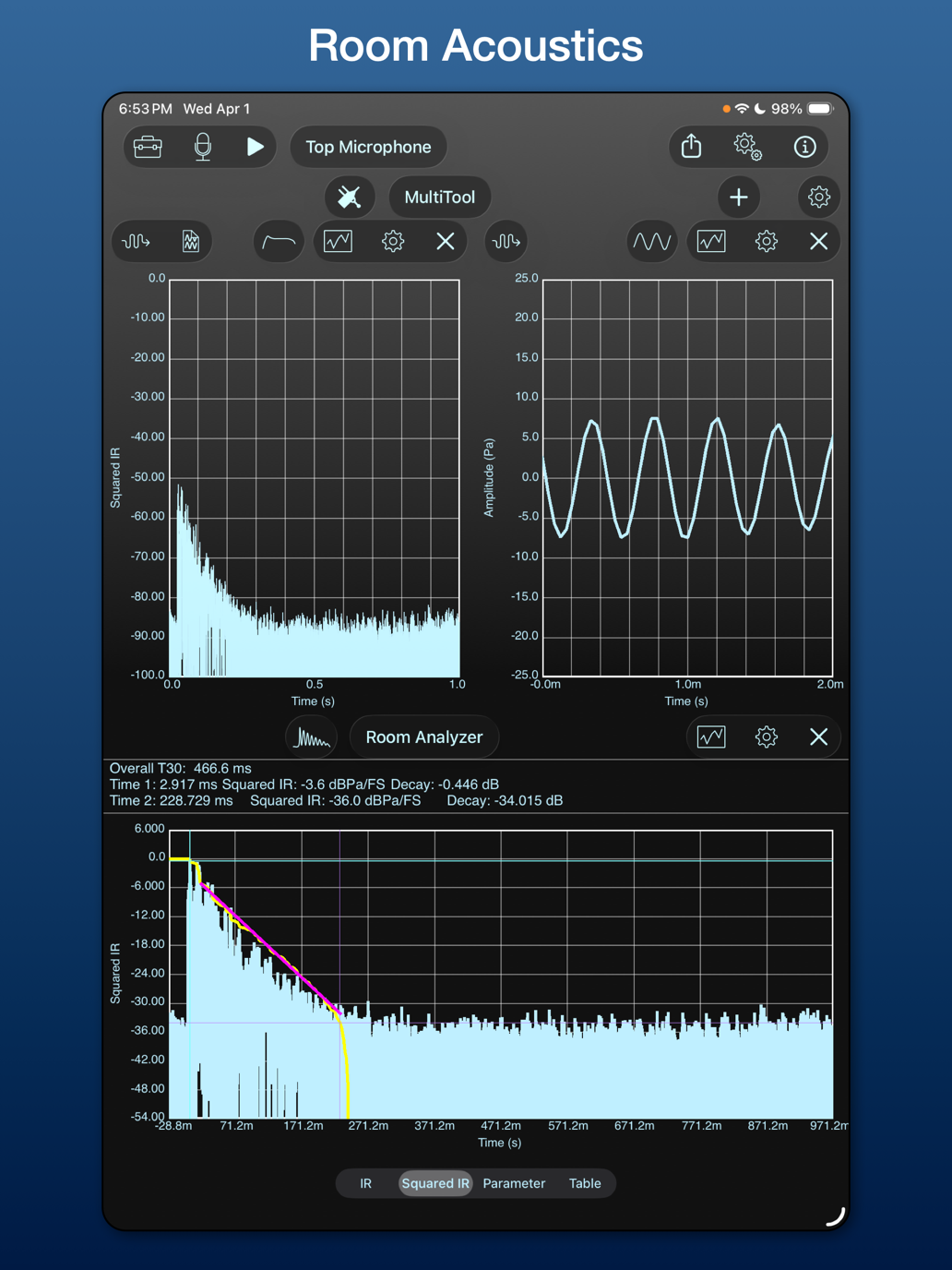
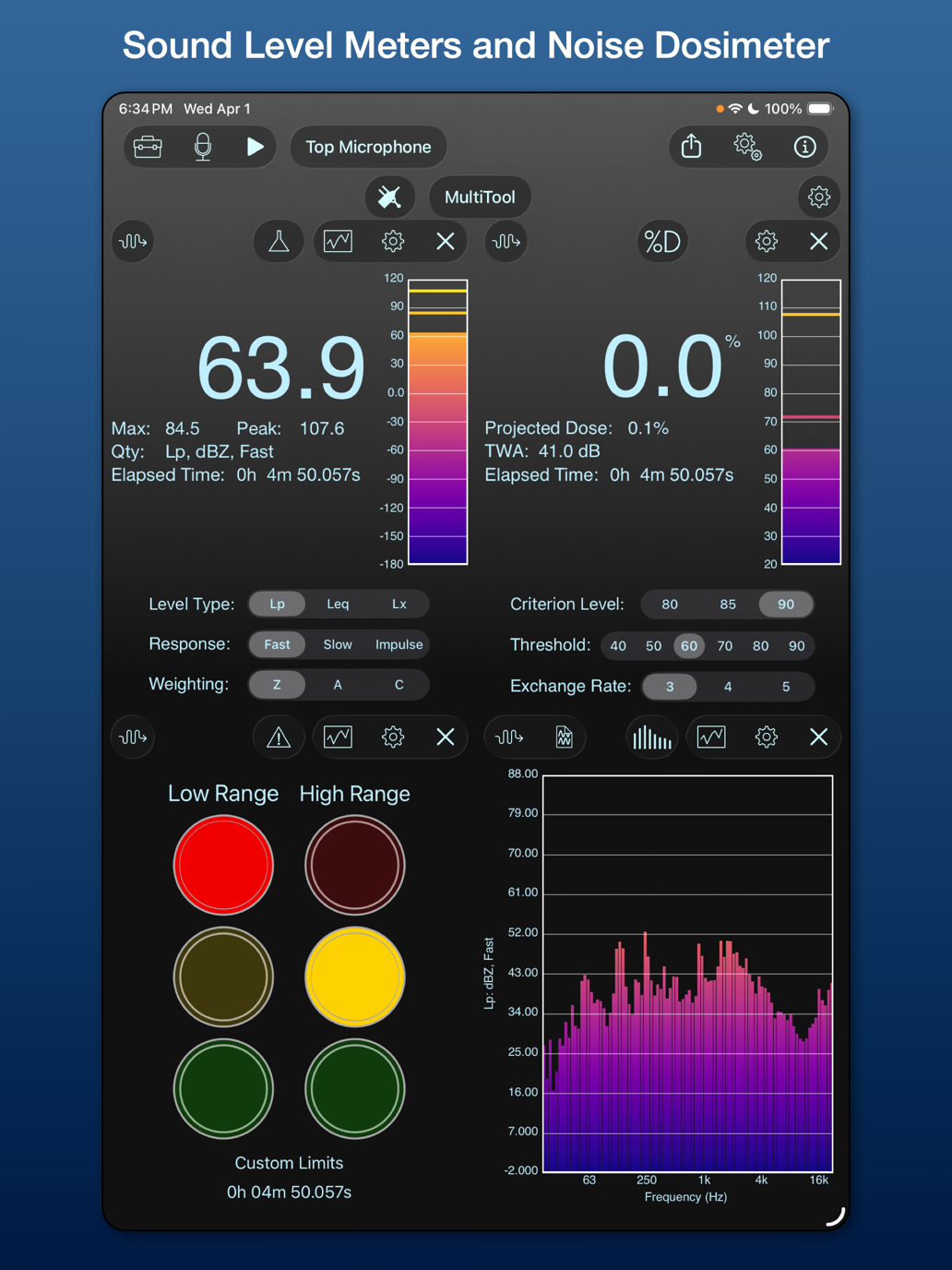
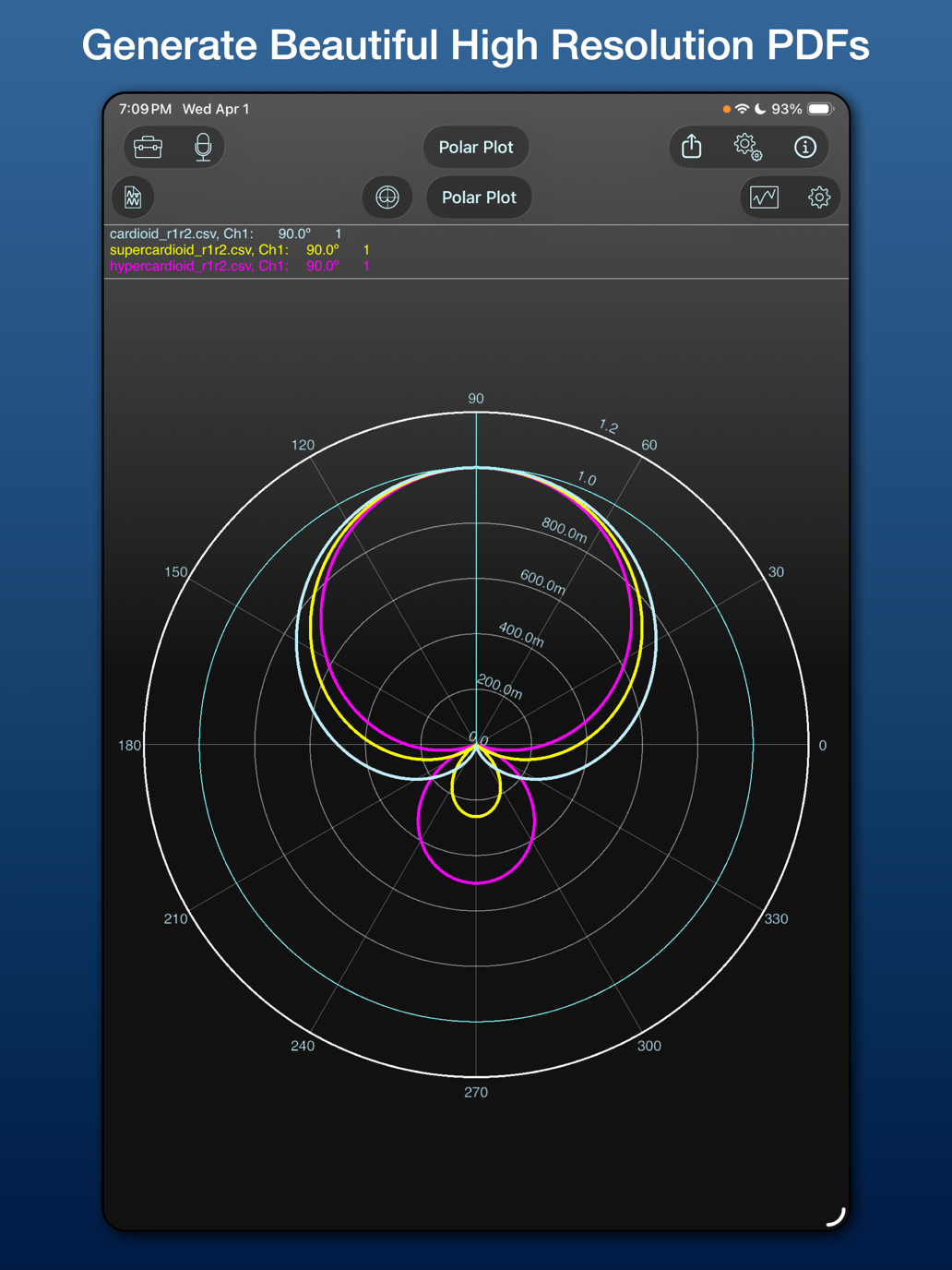
1 / 9
What Users Say
"This thing is awesome. Does exactly what I needed and then some. Well thought through design with a lot of nice touches."
— Snowy Dreams
Start Your Free Trial Today
Download SignalScope X for free and try any subscription with a 14-day free trial. We recommend selecting the Pro Tool Set for your free trial to access everything SignalScope X has to offer.